
09638-917171 brightstarnetwork2018@gmail.com
Easy Bill Payment

Pay Your Bill in Seconds

Pay your monthly internet bill securely using bKash, Nagad, or Rocket. Scan the QR code or use our merchant number — it only takes a minute.

Choose Your Method

Select a Payment Provider

Choose a payment method for account details and instructions.
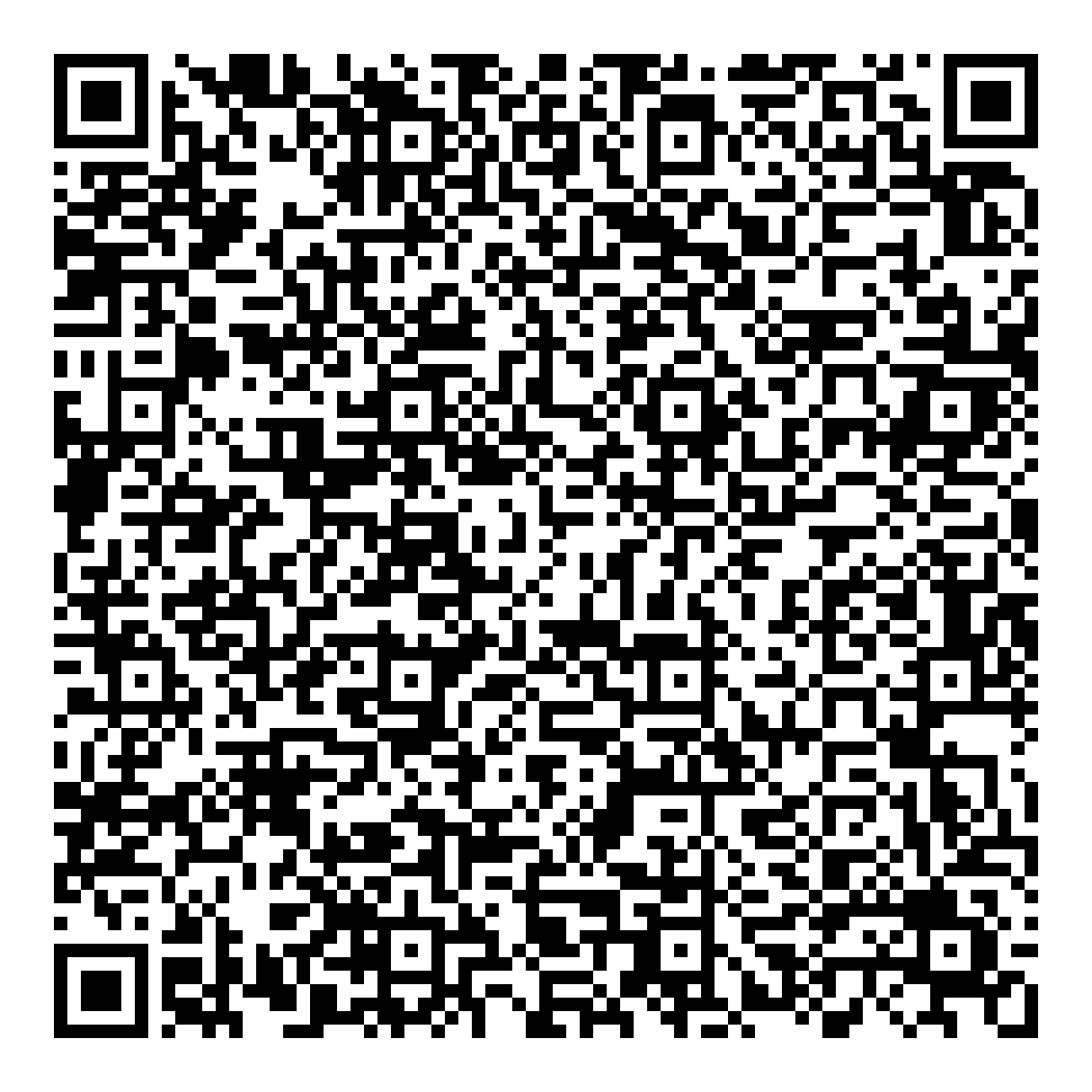
Bangla QR
Scan & Pay
Bangla QR payment code for Bright Star Network
Scan with a Bangla QR supported app
Merchant Name
Bright Star Network
Download QR code
How to Pay with Bangla QR
Use an app that supports Bangla QR.
1
Open Your Payment AppChoose Scan / QR Payment in your banking or payment app.
2
Scan the QR CodeScan this code, or select the saved QR image if your app supports it.
3
Check Merchant & AmountConfirm the merchant is Bright Star Network and enter your bill amount.
4
Confirm PaymentAdd your client ID as a reference if available, then confirm in your app.
Keep your transaction ID for payment confirmation.
View original payment PDF →
bKash
Merchant Payment
Merchant Account Number
01886232411
How to Pay with bKash
Follow these 4 simple steps to pay your bill.
1
Open the bKash AppLaunch the bKash app and tap Payment, or use the Scan QR option from the home screen.
2
Scan QR or Enter NumberScan the QR code shown here, or enter our merchant number 01886232411 manually.
3
Enter the AmountType the bill amount you want to pay, then add a reference (e.g. your client ID or phone number).
4
Confirm with PINEnter your bKash PIN to confirm. You will receive a confirmation SMS instantly.
You can also dial *247# → Payment for USSD payment without internet. Always keep your transaction ID for reference.
Nagad
Merchant Payment
Merchant Account Number
01886232411
How to Pay with Nagad
Follow these 4 simple steps to pay your bill.
1
Open the Nagad AppLaunch the Nagad app and tap Payment, or choose Scan QR from the main menu.
2
Scan QR or Enter NumberScan the QR code here, or enter our merchant number 01886232411.
3
Enter the AmountType the amount you wish to pay and add a reference if asked (your client ID or phone number).
4
Confirm with PINEnter your Nagad PIN to complete the payment. A confirmation SMS will follow.
You can also dial *167# → Payment for USSD payment without internet. Keep your confirmation SMS as proof.
Rocket
DBBL Merchant Pay
Merchant Number
01886232411-4
How to Pay with Rocket
Follow these 4 simple steps to pay your bill.
1
Dial *322# or Open AppDial *322# from your Rocket-registered number, or open the Rocket app and tap Payment.
2
Choose Payment → Merchant PaySelect 1. Payment, then 2. Merchant Pay from the menu.
3
Enter Merchant AccountEnter our merchant number 01886232411-4.
4
Reference & PINEnter a reference (your client ID), then your 4-digit Rocket PIN to confirm.
Rocket Merchant Pay works on any mobile operator. Enter the 12-digit account exactly as shown and keep your transaction ID.
Bank Transfer

Pay Through Your Bank

Use either bank account below to pay your internet bill.

UCB

Account Name
Bright Star Network
Account Number
Branch
Tongi station Rood
Routing Number
245331671

BRAC Bank

Account Name
Bright Star Network
Account Number
Branch
Tongi bazar
Routing Number
060331630